Appearance
Quick Start
Getting started with Performance Now! is designed to be fast and frustration-free.
Follow this checklist to make sure you’re set up for immediate results—no tech hurdles, no long waits.
What You’ll Need Before You Start
| Step | Standard Website | Shopify Store |
|---|---|---|
| Admin access to your site | ✓ | ✓ |
| Ability to edit HTML | ✓ | Only theme.liquid if needed |
| Performance Now! account | ✓ | ✓ |
| Time required | 5–10 minutes | 10–15 minutes |
If you need help at any step, support is always available — contact us for assistance.
Step 1: Choose Your Setup Method
Standard Website:
Use the Performance Now! JavaScript tracking tag for most websites and landing pages.
Best for: WordPress, custom sites, most CMS.
Shopify:
If your store runs on Shopify, follow the dedicated Shopify Setup guide.
Shopify requires a different, two-tag integration for accurate tracking and live experiments.
Step 2: Get Your Tracking Tag
Go to the Dashboard Home tab after you log in.
You can find it in the left sidebar by clicking the dashboard icon. 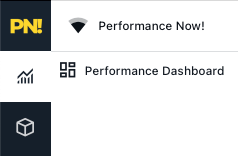
Copy the tracking tag from the “Quick Setup” section.
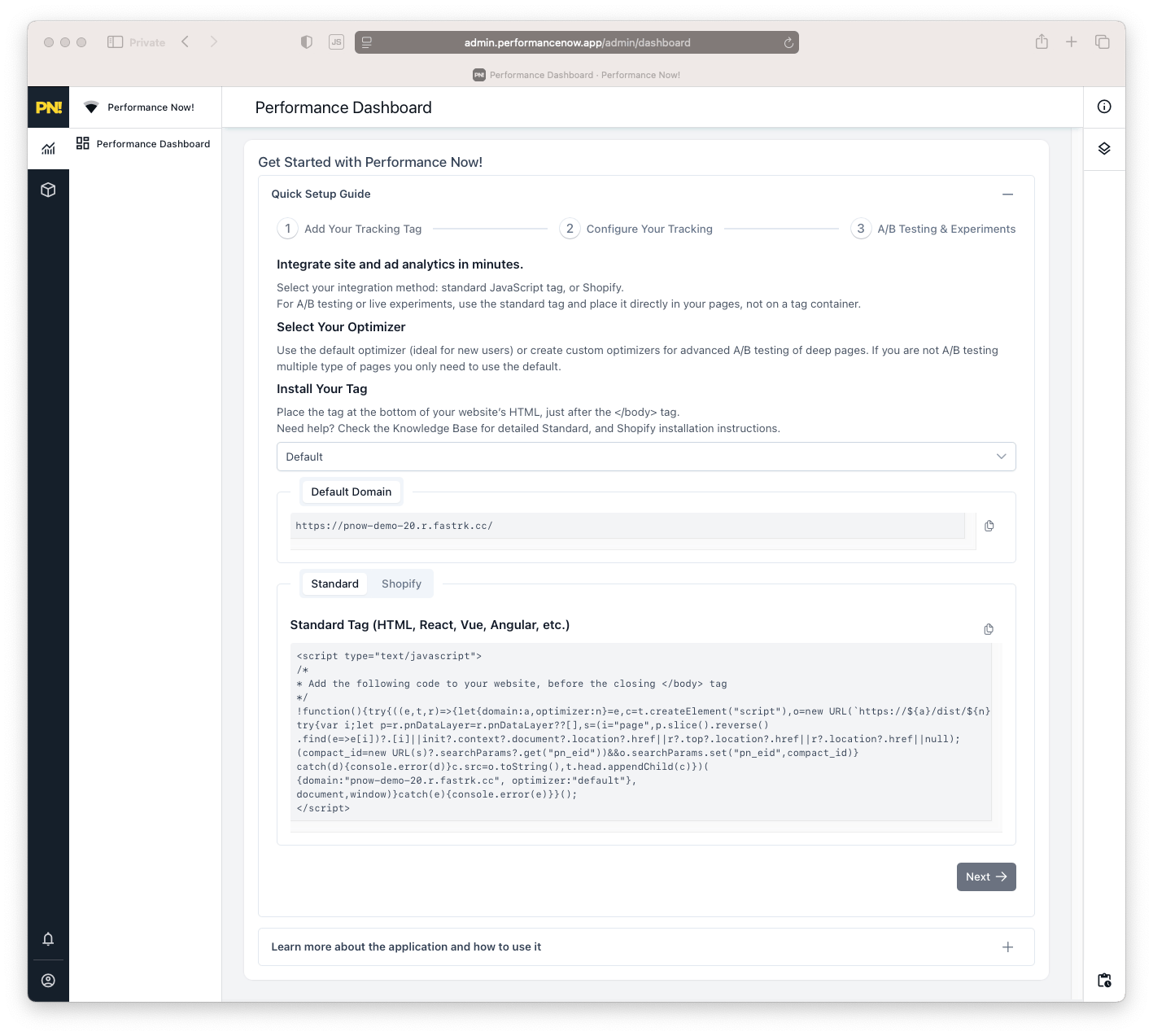
- Paste the tag just before the closing
</body>of your site’s HTML. - Avoid using tag managers if possible (for optimal tracking and experiment accuracy).
- If you must use a tag manager, contact support for custom guidance.
Step 3: Confirm Your Setup
- Visit your site and check your Performance Now! dashboard.
- If data appears within a 10 minutes, setup is complete.
- If not, review your tag placement or see [Troubleshooting]../support/faq.md).
Ready for deeper optimization?
Move on to Analytics or A/B Testing.